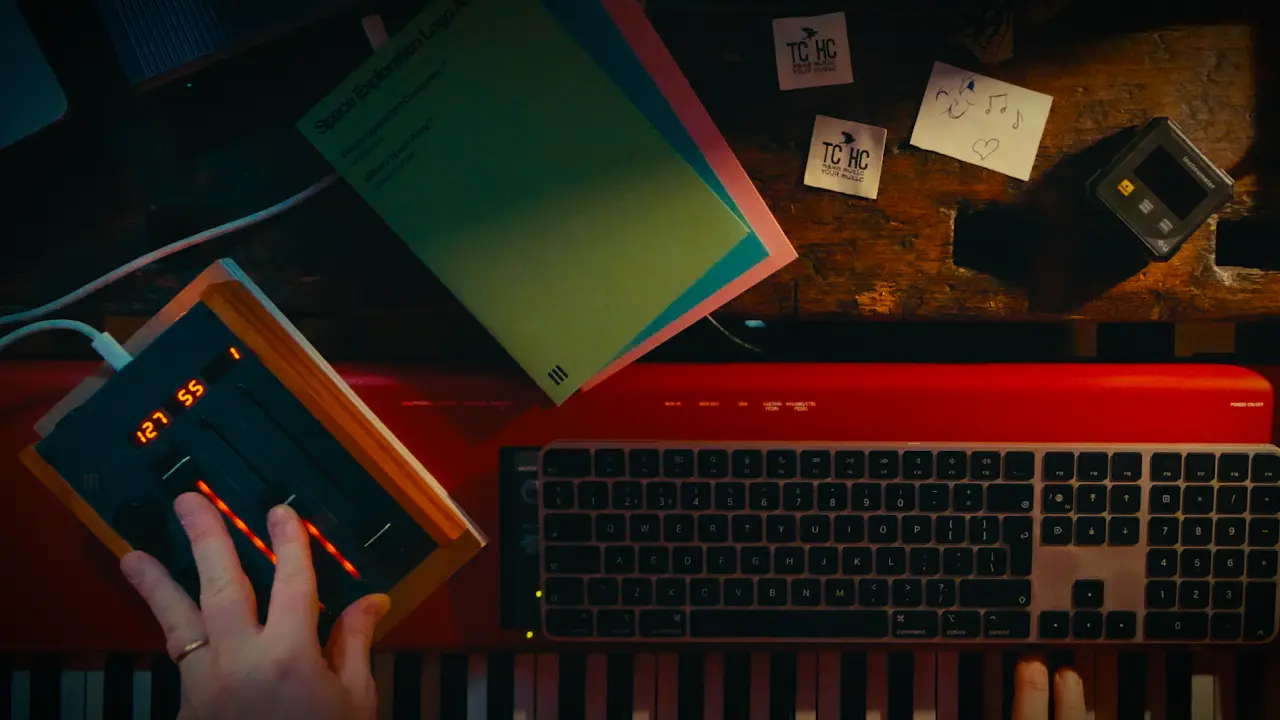
Any DAW is a complicated conflation of different technologies: Sequencing, Digital Audio Recording, Sampling. These technologies all have different origins and workflows, use cases and protocols that vary from one to the next. Moreover DAWs themselves usually started life primarily as one technology (ie Pro Tools started life as a digital audio recording system, logic started as a MIDI sequencer package) until tacking on these other technologies and disciplines to widen its scope and use.
Which is why, with much source of confusion. You often find that your sequencer automates the parameters on your DAW – mixer faders, etc, your plugins – more/less distortion etc and your virtual/sampled instruments in different ways. Usually two. Your DAW automation works by assigning internal controller numbers to a function with a dedicated name. The DAW is controlling these functions either by you interacting with the DAW via the GUI (general user interface) or by playing that recorded automation back and taking control itself.
With MIDI automation you are inputting automation data which is totally agnostic its simply a “control channel” or CC which is then assigned to anything you have on-screen. Usually NOT stuff like your mixer faders, but often say the expression dial on your virtual instrument GUI.
Often you can perform the same task by either DAW automation or via MIDI. The former is often inputted directly on the screen and the latter via some external hardware. Often, but not always.
In the case of some DAWs it’ll do both! Particular one scoundrel, Apple’s Logic Audio Pro. Unless you specify who is doing what. In the video above Christian Henson explains how to select who is controlling what in any DAW. But also how to do this in logic so you don’t get two of everything!